Dictate into the Mac app you already have open.
Hold a shortcut, speak, and VoxStudio types at the cursor. Recognition runs on your Mac. Lifetime is one-time access to the Mac app; cloud features and your own API are separate.
For people who want a first draft in Mail, notes or a document without leaving that app.
Download for Mac · Compare plans & trial
Apple silicon · macOS 15 or later · 14-day Mac trial
Type into the current app, or review in a window
The dictation shortcut opens a small window by default, where you speak, review and copy the text. Choose Dictate into the current app under Settings, General, Dictation to skip that window and write into the app in front. The illustrated guide covers the setting and the Accessibility permission.
Hold, tap, or use the floating button
The default shortcut is Control + Option + Space, with Control + Option + V and Control + Shift + Space as alternatives. Hold it and speak, then release. Or tap once to keep recording and tap again to finish. An optional floating button, off by default, starts and inserts with a click.
Recognition stays on your Mac
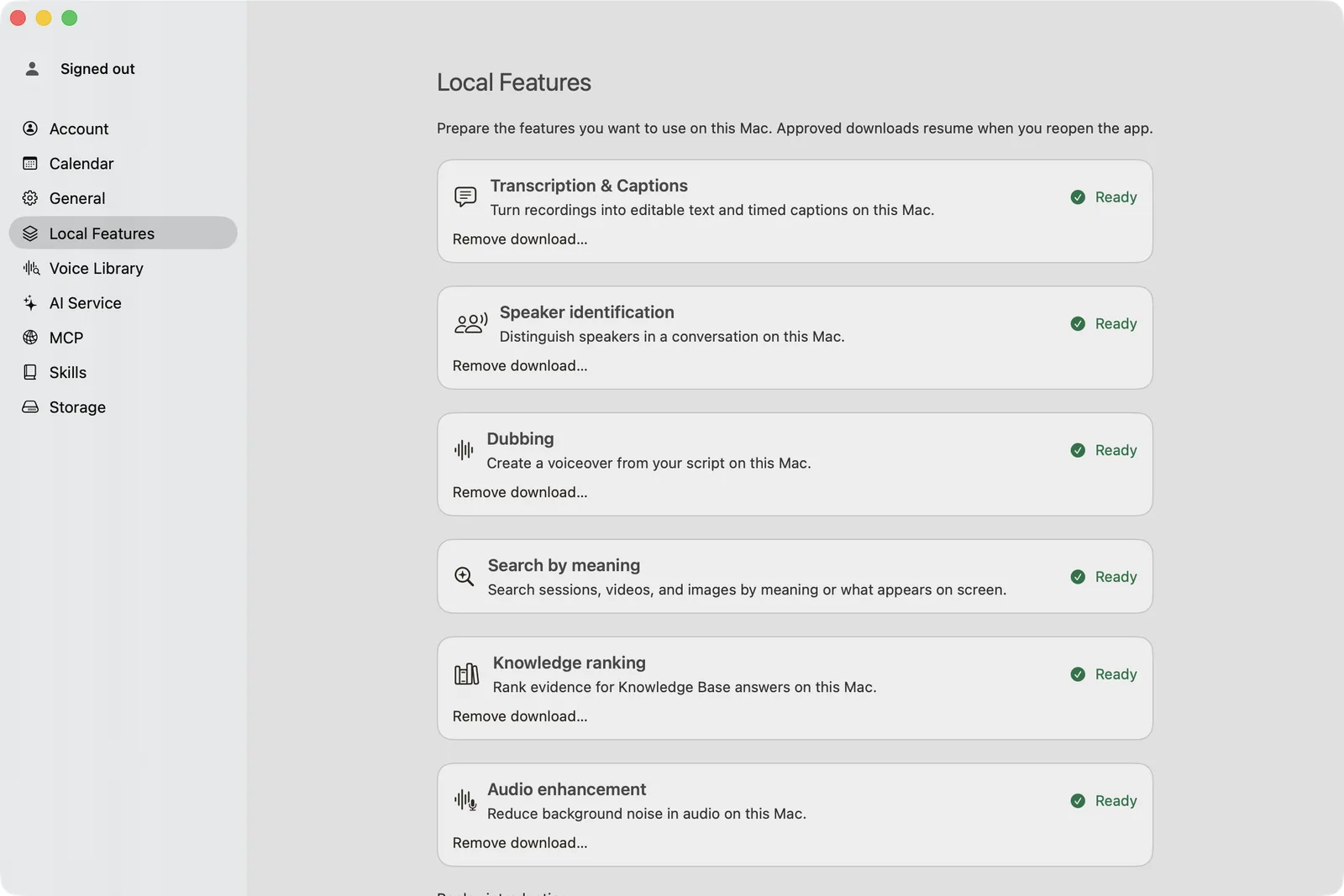
VoxStudio transcribes the dictation on your Mac and pastes the text at the cursor. When it cannot type into the front app, it copies the text and the bar says why. The Mac App Store version is sandboxed, so it always copies and does not show the Accessibility row.
Lifetime is Mac access, not a cloud plan
Lifetime is one payment for the Mac app, with free software upgrades, tied to your VoxStudio account. It does not include recurring cloud credits. Cloud features and your own API provider may charge separately. Compare the current terms on the pricing page.
Questions, answered
Does the shortcut type into Mail and other Mac apps?
Yes, after you choose Dictate into the current app and allow Accessibility. The Mac App Store version cannot paste into other apps, so it copies the text for you to paste.
Does Lifetime include cloud dictation or an API allowance?
No. Lifetime is access to the Mac app and its software updates. Dictation in this workflow is recognized on your Mac. Cloud features and a provider API are billed separately.
Follow the guides
- Dictate Into Any Mac App: Hold a Shortcut, Speak, Release — Dictate into any Mac app with VoxStudio. Hold Control + Option + Space, speak, and the text is transcribed locally and pasted at your cursor. Setup, hold versus tap, and when it copies instead.
- Dictation on Mac: Speak, Review, Paste — Speak the first draft, check the wording and paste into your reply. Dictation keeps short writing tasks moving on your Mac.
Blog topics
More Mac workflows
- Offline Transcription for Mac
Transcribe audio and video on your Mac with local speech models, speaker labels and timed captions. Built for Apple silicon and macOS 15 or later.
- Meeting Recorder for Mac, Without a Bot
Record meetings locally on your Mac without a bot joining the call. Transcribe recordings, follow live speech and review notes in VoxStudio.
- AI Knowledge Base for Recordings & MCP
Search across meeting recordings and ask questions with cited sources. Use VoxStudio knowledge in the app, ChatGPT or Claude through Mac and Cloud MCP.
- Edit Video from the Transcript on Mac
Cut talking-head video on whole words, search a Mac timeline by what was said or shown, turn a long recording into short clips, and review captions before export.